
When Design Is More Than Just Colors and Shapes
Have you ever opened a website and instantly felt comfortable — as if it already knew exactly where you wanted to go?
Or, on the other hand, felt frustrated because you couldn’t find the “buy” button after scrolling for too long?
That’s the power — and weakness — of UI/UX.
Many still think design is just about aesthetics — colors, fonts, or layouts.
But behind every “smooth click” and every interface that “feels right,” there’s a deep strategy of user experience design at work.
UI/UX isn’t just about making things look good — it’s about creating experiences.
Because in today’s digital world, experience determines whether users stay or leave within the first three seconds.
What Is UI and UX?
Before diving deeper, let’s clarify the difference between these two often-paired terms:
- UI (User Interface) is the visual part you see and interact with — buttons, colors, icons, layouts.
It focuses on how the product looks and feels. - UX (User Experience) is the overall experience a person has when using a digital product.
It focuses on how the product works and feels in use.
Both are inseparable.
UI makes people fall in love at first sight, while UX makes them want to stay longer.
Why UI/UX Matters in the Digital Era
- It Improves User Comfort
A great UI/UX design makes it easy for users to achieve their goals without frustration.
For example, ordering food online should take three clicks — not ten complicated steps. - It Boosts Conversions
Intuitive design directly impacts sales.
Clear buttons, simple navigation, and fast loading speeds can increase conversion rates by over 200%. - It Builds Trust and Brand Image
A professional, well-designed interface gives the impression that the business is credible and reliable.
That’s why design isn’t decoration — it’s strategy. - It Supports Mobile-First Experience
In a world where 80% of visitors come from smartphones, UI/UX must be responsive and adaptive across all screen sizes.
The Process Behind Effective UI/UX Design
Creating a good design isn’t guesswork — it’s the result of structured research and testing.
Here’s the common process followed by UI/UX designers:
- Research – Understanding user needs, goals, and pain points.
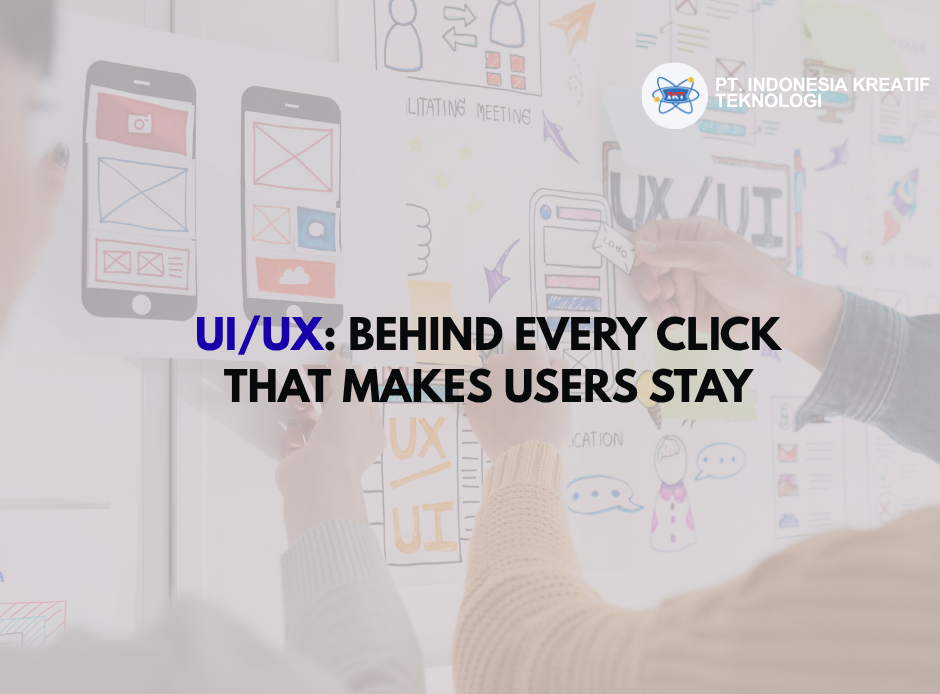
- Wireframing – Building a visual structure before adding colors or details.
- Prototyping – Creating an interactive mockup for usability testing.
- Testing – Observing how users interact and identifying pain points.
- Iteration – Refining the design based on data and feedback.
This process repeats continuously — because both users and technology evolve every day.
Real-World Examples: When UI/UX Changes Everything
- Netflix recommends shows you’ll actually like and minimizes the steps between browsing and watching.
- Tokopedia simplifies purchasing into just a few intuitive clicks.
- Apple makes every interaction feel natural — from icon placement to animation flow.
They all share one thing: they don’t just sell products — they sell experiences.
UI/UX in Business and Software Development
For companies and software houses, UI/UX is the foundation of every project.
No matter how advanced the system is, it fails if users don’t enjoy using it.
Good UI/UX design helps businesses:
- Reduce revision costs,
- Increase client satisfaction,
- Improve long-term user retention, and
- Strengthen brand loyalty.
That’s why investing in UI/UX isn’t a cost — it’s a long-term growth strategy.
Experience Is the Product
In the digital era, users don’t just buy products or services — they buy experiences.
A well-crafted UI/UX design turns casual users into loyal customers, and loyal customers into natural brand ambassadors.
So, when building a website, app, or digital system, don’t just ask:
“Does it look good?”
Also ask:
“Does it feel good to use?”
Because in the end, UI/UX is not just about technology — it’s about how humans feel.